Deye Portal
EVEREST ENERGY

Everything Deye, in one place

Design a system, raise an order, or track it — pick where you want to start.

Deye Designer›
Spec a Deye system in under 30 seconds — residential, commercial or C&I, with your price live as you build.
Deye Install SimulatorEarly access›
Install and commission a Deye all-in-one, step by step, in a first-person training game — from the boxes to the customer handover.
Request Deye Order›
The full Deye price list — search it, jump to your section, build the order. Delivery typically takes 1–2 days.
Track your orders›
Where every order stands — placed, confirmed, dispatched, delivered — with consignment tracking as it ships.
Deye Datasheets and Resources›
Datasheets, manuals and warranties for every Deye product Everest supplies — searchable by model or size.
Request 30 Day AccountTrade finance by Shift›
30 day payment terms on your Deye orders through Shift Trade. See what you need, then register online.
Early access

Deye Install Simulator

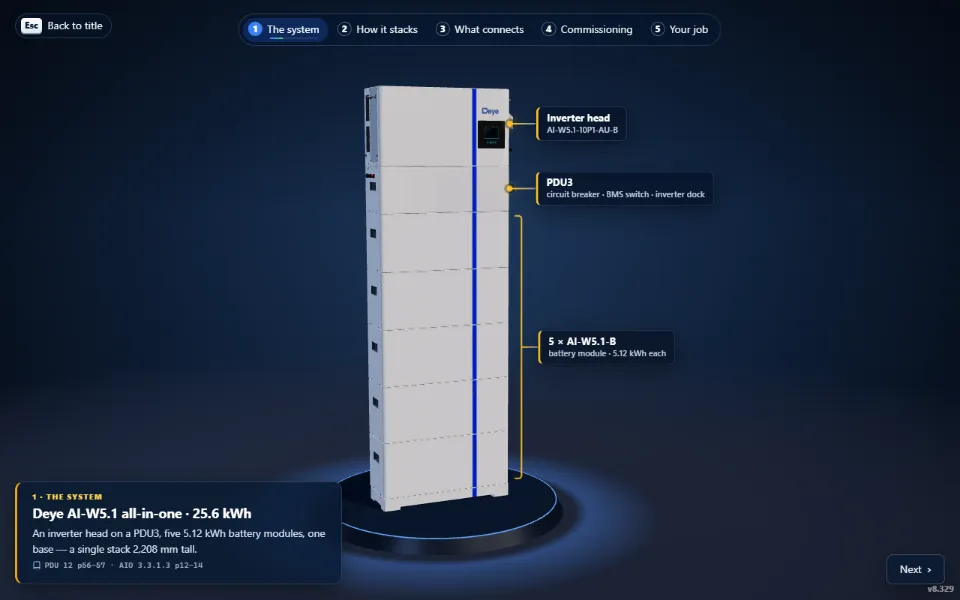
A first-person training game. Install and commission a Deye AI-W5.1 10 kW all-in-one with a PDU3 and five battery modules (25.6 kWh), step by step in Deye’s order — from the boxes in the garage to the customer handover.
Start Simulator › Opens in a new tab · mouse and keyboard, Chrome or Edge
The Deye AI-W5.1 all-in-one stack in the Deye Install Simulator

What you’ll learn

  • Deye’s install order, box to commissioning — every step points to its page in the manual.
  • Levelling the base, docking the modules on their pins and fixing the stack to the wall.
  • The right tool and the right number: drill depth, torque values, strip lengths.
  • AC wiring through the system board, the PV strings, the CT and the BMS comms.
  • Power-up in order, and commissioning on the inverter’s LCD — battery, Time of Use and export settings.
  • The backup test, then the handover with the customer on the DeyeCloud app.

The ten checkpoints
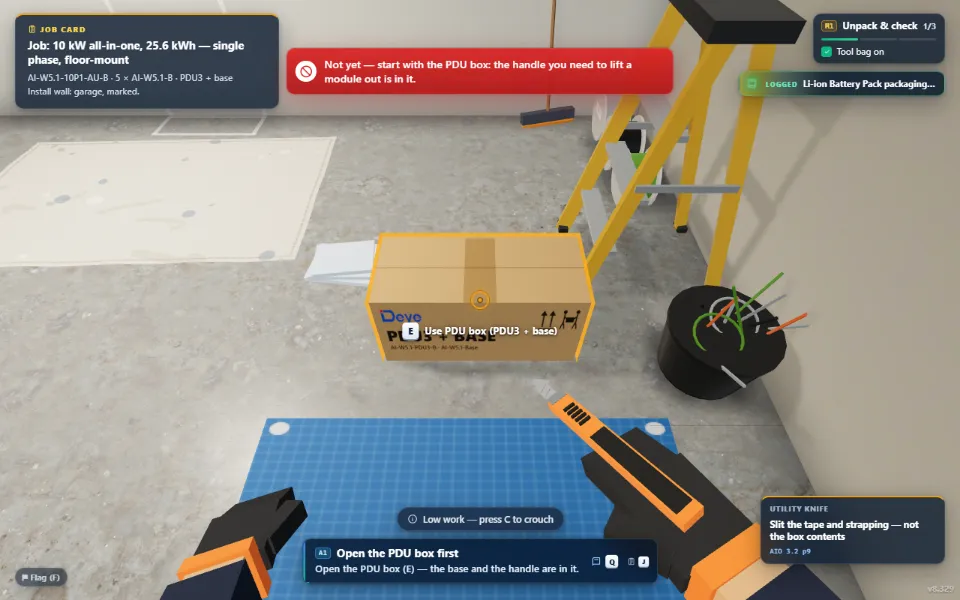
Gear up & unpack in the Deye Install Simulator
1Gear up & unpackTool bag on, then the boxes in Deye’s order — the PDU box first.
Site check in the Deye Install Simulator
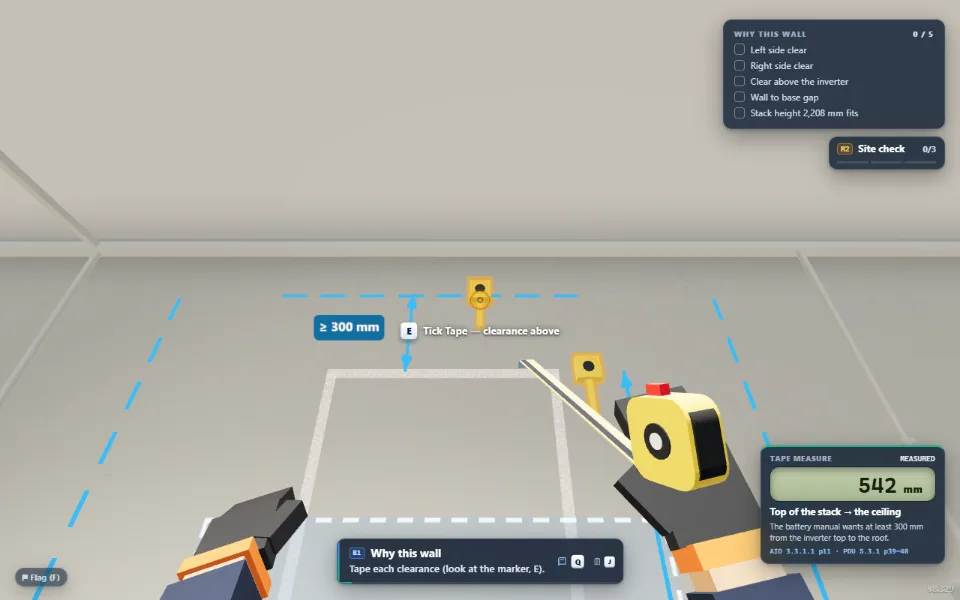
2Site checkMeasure the wall, check Deye’s clearances and scan for cables before you drill.
Base & stack in the Deye Install Simulator
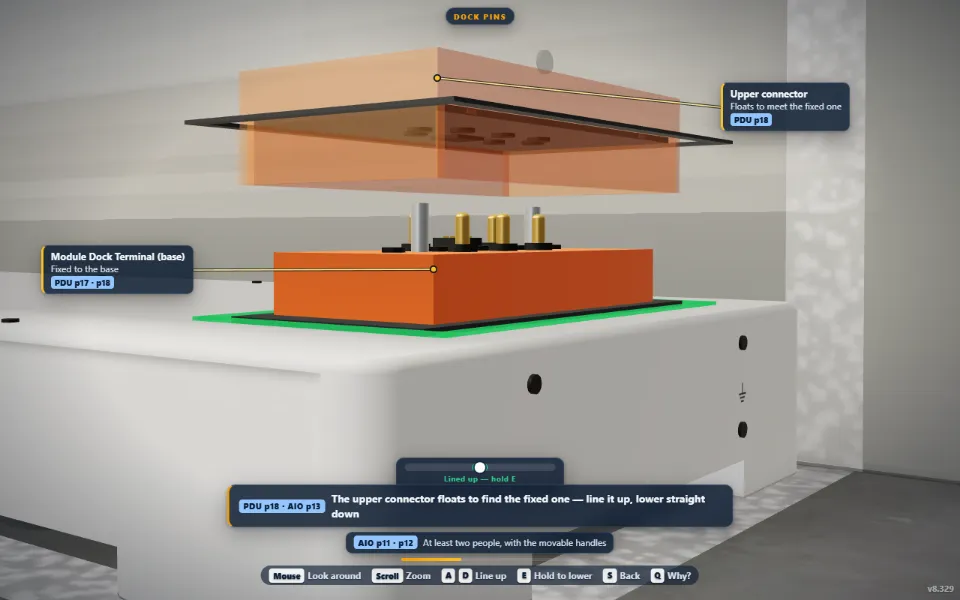
3Base & stackLevel the base, then dock the battery modules and the PDU3 on their pins.
Fix to the wall in the Deye Install Simulator
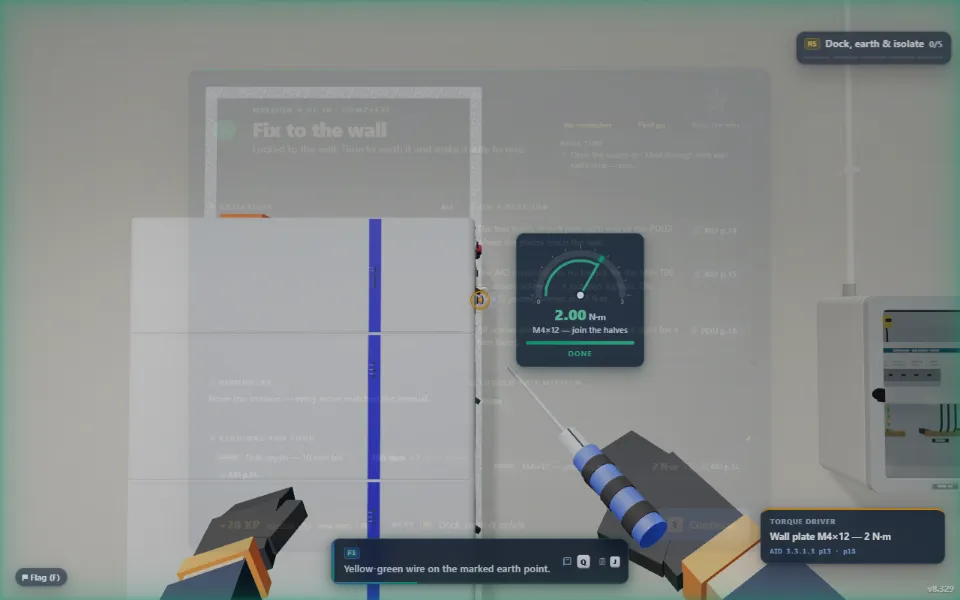
4Fix to the wallMark, drill and fix the wall plates — to Deye’s depth and torque.
Dock, earth & isolate in the Deye Install Simulator
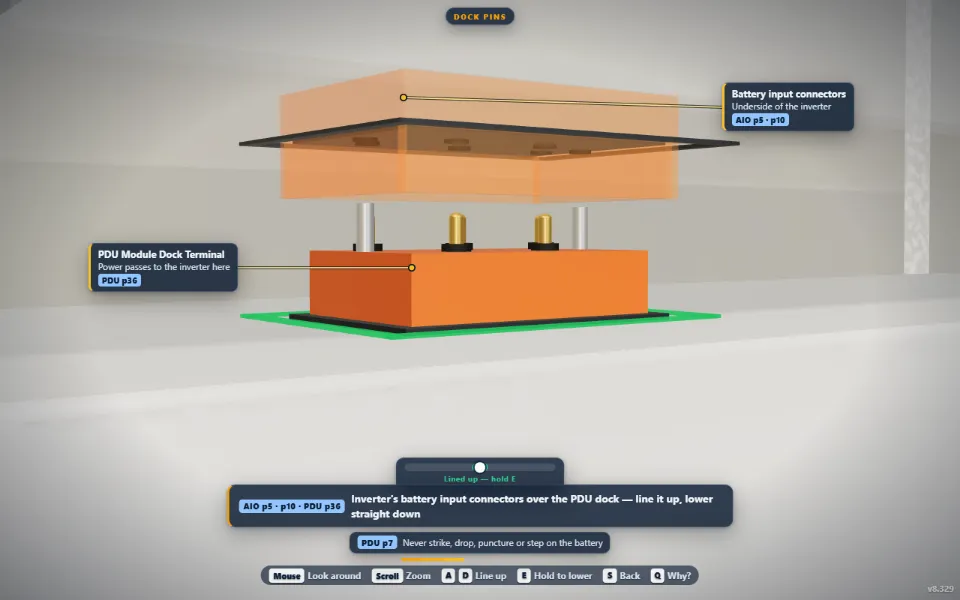
5Dock, earth & isolateThe inverter onto the PDU3, the earth leads, then prove it dead.
AC wiring & system board in the Deye Install Simulator
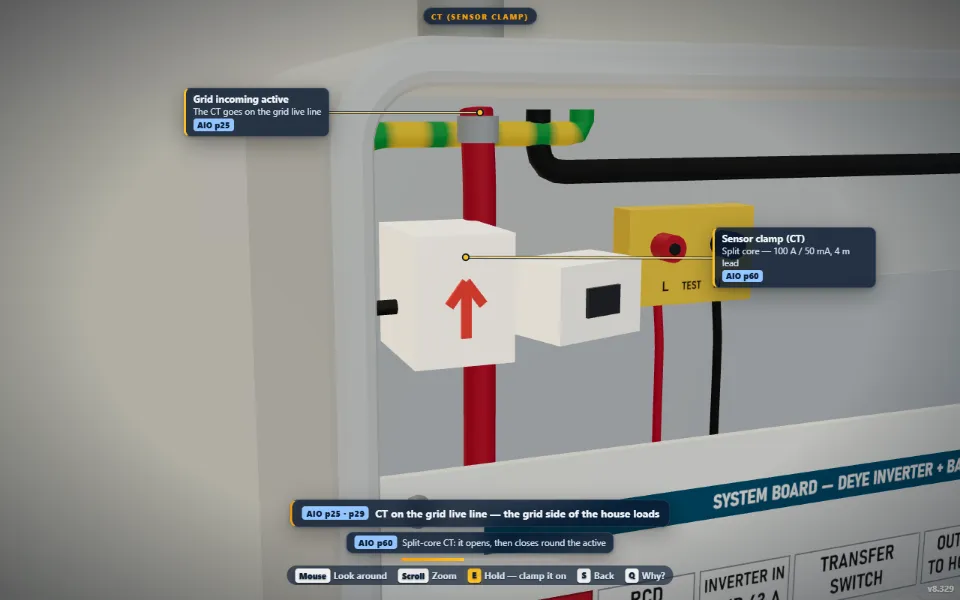
6AC wiring & system boardGRID and LOAD through the system board, and the CT on the supply.
PV & comms in the Deye Install Simulator
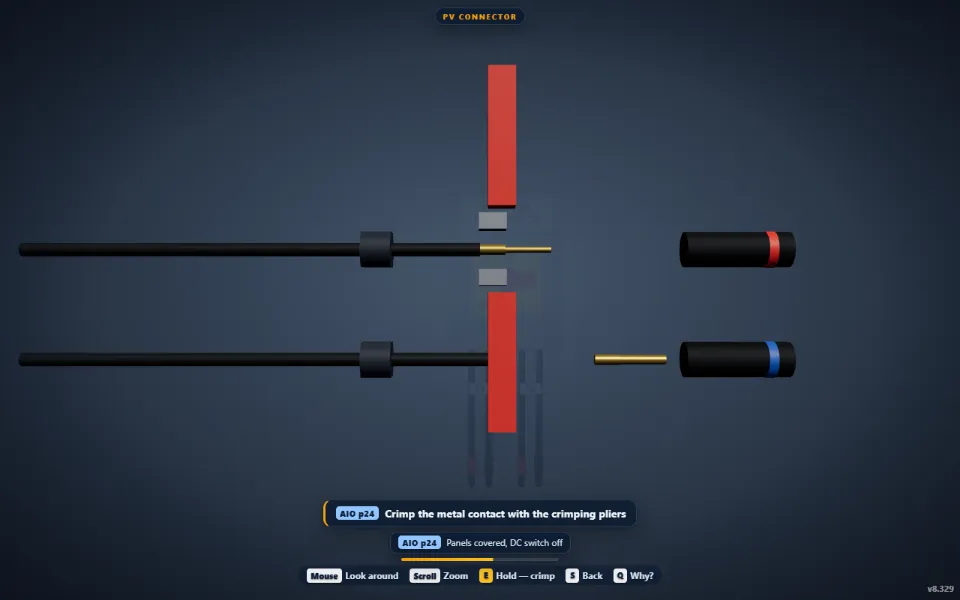
7PV & commsStrip, crimp and plug the PV strings; BMS comms and the Wi-Fi logger.
Power-up in the Deye Install Simulator
8Power-upSwitch on in Deye’s order and watch the system come alive.
Commissioning in the Deye Install Simulator
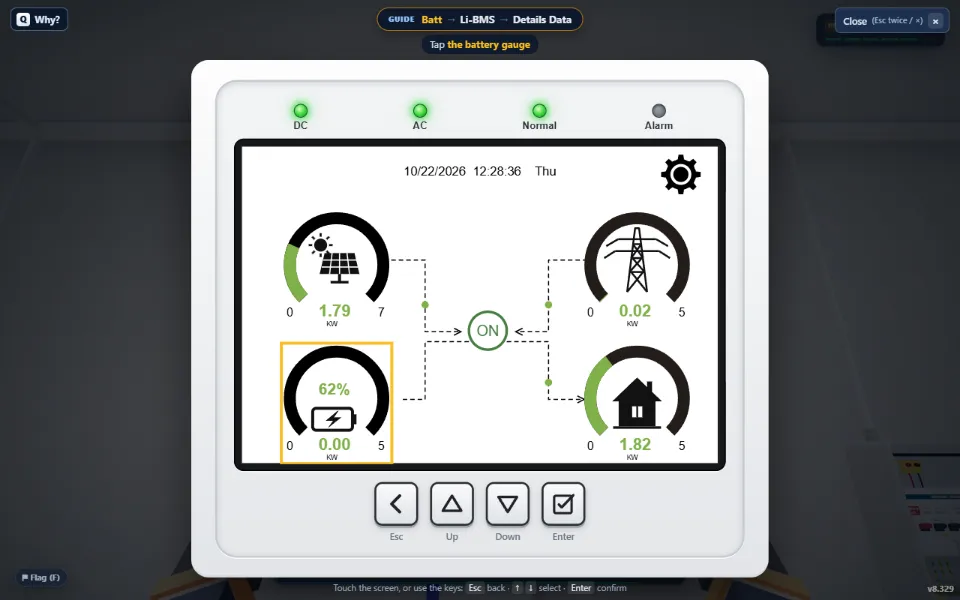
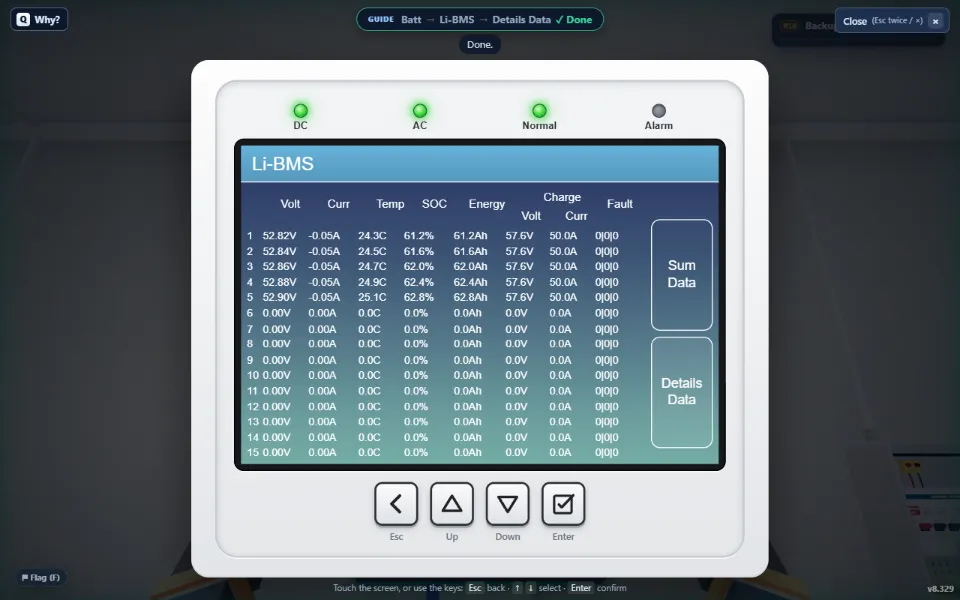
9CommissioningBattery, Time of Use and export settings on the LCD; check the Li-BMS.
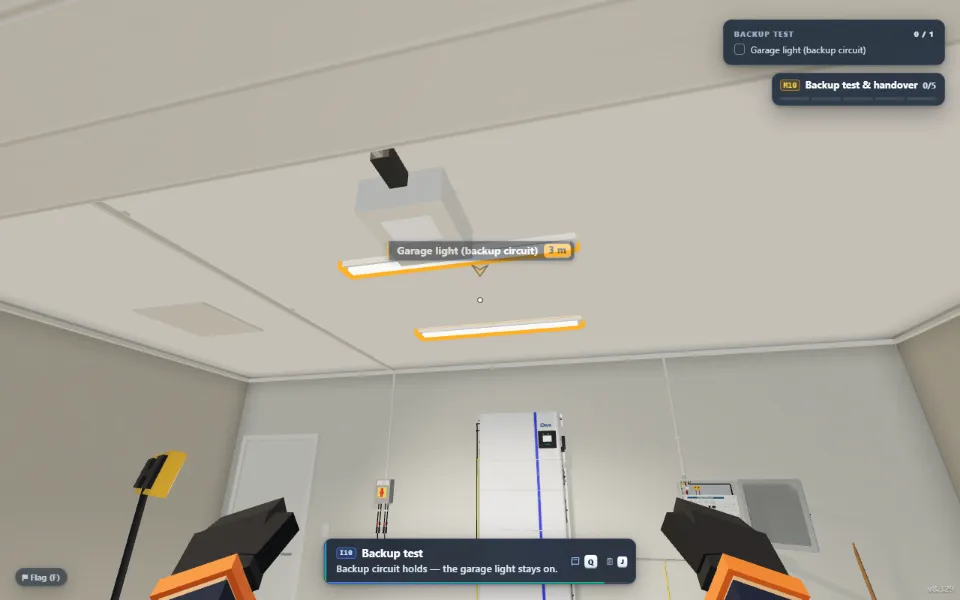
Backup test & handover in the Deye Install Simulator
10Backup test & handoverCut the grid and the backup holds; set the customer up on the DeyeCloud app.

How it works

Play the whole job start to finish, or jump straight to any checkpoint — wiring, commissioning or the handover — with everything before it already done. The first time you meet a job it’s fully hands-on with a close-up; the repeats go quicker. Your progress saves in this browser.

Training aid only. Installation is for a licensed electrician, following the manufacturer’s manual and the AS/NZS standards. Completing this simulator is not an accreditation.

Trade finance by Shift

30 day payment terms on your Deye orders

Everest Energy has partnered with Shift — a specialist provider of credit and payment products — to offer you 30 day payment terms. Shift Trade is a more efficient way to run a trade account, and gives you more flexibility in how you pay.

Get started with Shift ↗ Opens Shift's online registration

Why Shift Trade?

Simple

Easy online registration. No change to how you order from Everest.

Cost-effective

No establishment or account fees. Zero transaction fees when you pay within the 30 day terms provided by Everest Energy.

Flexible

Extend repayment, or split it into weekly instalments (transaction fees apply).

What you'll need to register

  • ABN — this fills in your business details from ASIC.
  • Mobile number — Shift sends a code to it each time you log in.
  • ID — an Australian driver's licence or passport.
  • Business bank account details — bank statement data is used to assess your account limit.
You'll also need to accept Shift's facility agreement and provide a direct debit authority.

How it works

  1. Register with Shift using the button on this page.
  2. Shift assesses your account and sets your limit.
  3. Order your Deye through Everest as normal and pay on 30 day terms.

Already have a Shift Trade Account?

Call us on 1300 DEYE AU (1300 339 328) and we'll connect it to your Everest Energy account.

Get started with Shift ↗

Shift supports the growth of more than 30,000 Australian businesses. Shift Trade accounts are provided by Shift and are subject to Shift's assessment and terms.

Deye Designer

Residential, commercial or C&I? Pick where you want to start — each builds a live quote you can raise as a sales order.

Deye Residential›
Homes & small sites — all-in-one or wall-mount, single or three phase. PDU3 + Base added automatically, with the STC rebate live.
Deye Commercial — Racks›
Rack-built three-phase systems to ~100kWh — BOS-G HV or SE-G Pro LV rack batteries. HV control box + rack added automatically.
Deye C&INew›
Integrated cabinet & container ESS — GE cabinets from 60kWh to megawatt-scale, ready to price and order. BOS-B Pro and C&I systems alongside.
NSW PDRS Calculator›
Peak Reduction Certificates for battery installs from 1 Sep 2026 — the count, the working and the eligibility checklist, printable for a quote. Estimates only, and certificate prices move with the market.

Deye Designer

Spec a home system in under 30 seconds — change anything and the price and STC rebate update live.

Order Summary
Est. govt battery rebate (STC) $0
0 STCs — estimate, claimable through the government’s Cheaper Home Batteries Program
Est. equipment cost after STCs $0
Estimate only — a guide to what your equipment costs once the STCs are claimed. It is not a discount off your Everest order.
STC details & assumptions
STC value: $ /STC
Estimate only. Small-scale Technology Certificates (STCs) are the rebate under the federal Cheaper Home Batteries Program, claimed once the battery is installed and certified — Everest does not deduct them from your order; this panel shows what the equipment costs you once they are claimed. Calculated on usable capacity per the CEC approved battery list — for Deye AI-W5.1 modules usable equals nominal, 5.12 kWh each. Tiered from 1 May 2026 (100% of the factor on the first 14 kWh, 60% to 28 kWh, 15% to 50 kWh) and capped at 50 kWh usable. Battery must be paired with new or existing rooftop solar; one claim per premises. These figures are estimate values only — confirm with your own research against the sources below. Last updated STC calculator 12th August 2026.

Deye Designer

Spec a complete Deye battery system — live price and STC rebate as you build, ready to send as a sales order in under 30 seconds.

Pre-Sales advice · Call 1300 DEYE AU 1300 339 328 · also for changes to an existing order
System
Phase
Inverter size
Battery
Deye AI-W5.1-B battery module
Battery modulesAI-W5.1-B · — each
0
1 module—
Order summary Prices ex GST
Est. govt battery rebate (STC) $0
0 STCs — estimate, claimable through the government’s Cheaper Home Batteries Program
Est. equipment cost after STCs $0
Estimate only — a guide to what your equipment costs once the STCs are claimed. It is not a discount off your Everest order.
STC details & assumptions
STC value: $ /STC
Estimate only. Small-scale Technology Certificates (STCs) are the rebate under the federal Cheaper Home Batteries Program, claimed once the battery is installed and certified — Everest does not deduct them from your order; this panel shows what the equipment costs you once they are claimed. Calculated on usable capacity per the CEC approved battery list — for Deye AI-W5.1 modules usable equals nominal, 5.12 kWh each. Tiered from 1 May 2026 (100% of the factor on the first 14 kWh, 60% to 28 kWh, 15% to 50 kWh) and capped at 50 kWh usable. Battery must be paired with new or existing rooftop solar; one claim per premises. These figures are estimate values only — confirm with your own research against the sources below. Last updated STC calculator 12th August 2026.
We'll confirm stock, finalise freight and get back to you very soon with your sales order.

Deye Commercial — Rack Systems

Rack-built three-phase storage · BOS-G, BOS-B Pro or SE-G5.1 Pro.

Pre-Sales advice · Call 1300 DEYE AU 1300 339 328 · also for changes to an existing order
Battery series
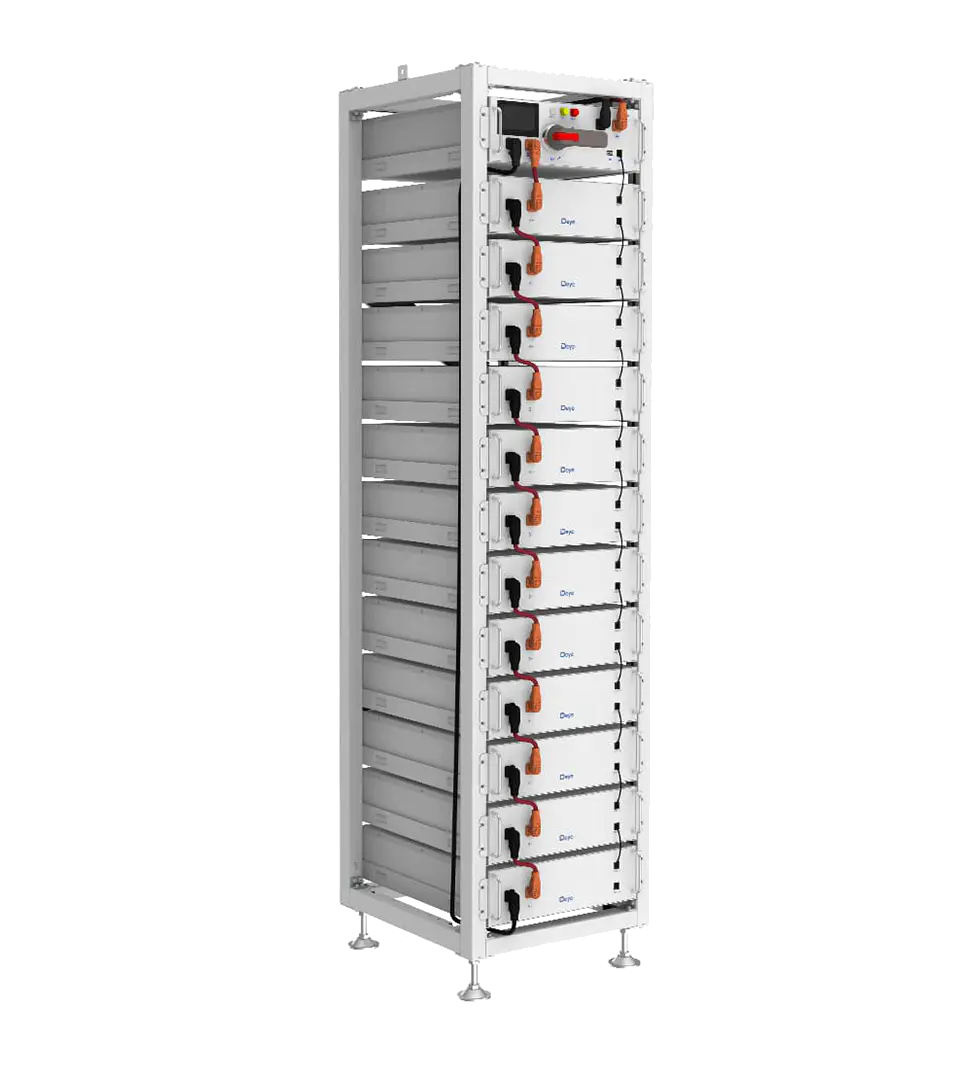
BOS-G Series High Voltage
3Ph HV hybrids 10–80kW · HV Control Box per rack.
5.12 kWh/mod120–750V DCUp to 12/rack
BOS-B Pro High Voltage
3Ph HV hybrids 10–80kW · BOS-B Pro HV Box per rack.
16 kWh/mod14–16 modules/rackUp to 16 racks
SE-G5.1 Pro Low Voltage
3Ph LV hybrids 5–20kW · no HV Control Box.
5.12 kWh/modLV (51.2V)ETA — Pre-order
Inverter
Number of inverters—
1
1 inverterMax 10
Cabinet or rack
BOS-G50 cabinet
Up to 10 modules
13-Layer rack
Up to 12 modules
9-Layer rack
Up to 8 modules
Configuration
Deye BOS-G high-voltage battery
BOS-GM5.1—
BOS-G / rack
12
4 modulesMax 12
Number of racks61.4 kWh total
1
Order summary
Rebates & incentives
All prices AUD ex GST · BOS-G and BOS-B Pro require their matching HV box per rack · SE-G Pro LV does not require an HV Control Box · Contact your Everest rep for project pricing

Deye Commercial — Rack Systems

Choose the battery system first, then the inverter that runs it.

Pre-Sales advice · Call 1300 DEYE AU 1300 339 328 · also for changes to an existing order
Battery system
All prices AUD ex GST · BOS-G and BOS-B Pro require their matching HV box per rack · SE-G Pro LV does not require an HV Control Box · Contact your Everest rep for project pricing

Deye C&I — Cabinet & Container ESS

Storage from 60kWh cabinets to megawatt-scale containers — pick a cabinet, set quantity, your price is live. GE-F60 requires a separate inverter; the other cabinets can take one, except the GE-F120 with its 50kW inverter built in.

Pre-Sales advice · Call 1300 DEYE AU 1300 339 328 · also for changes to an existing order
GE Cabinet range
The wider C&I range
Component pricing — call 1300 DEYE AU to spec a full BOS-B Pro or containerised system.
BOS-B Pro — C&I ESS
C&I Systems

Your C&I order

Selected equipment
All prices AUD ex GST · Contact your Everest rep for project pricing

PV String Calculator

Check string sizing against the inverter's MPPT window. In development.

1 Select Deye Inverter
Phase
Inverter
2 Enter Panel Specifications
PDF, CSV or Excel datasheet — extracts Voc, Vmp, Isc & Temp Coeff automatically
Voc (V)
Open circuit voltage
Vmp (V)
Max power voltage
Isc (A)
Short circuit current
Voc Temp Coeff (%/°C)
Usually −0.25 to −0.35
Min Ambient (°C)
Coldest — Voc rises in cold
Max Cell (°C)
Hottest — Vmp drops in heat
Temperature derating based on STC reference of 25°C. Voc adjusted for cold, Vmp adjusted for heat. This tool is for guidance only — always confirm your string configuration with a Deye engineer before installation.

Deye Custom Order

The full Deye price list — search, jump to a section, build your order.

Not sure what you need? Use the Deye Designer →
Your Order
Add products from the catalogue to get started
All prices AUD ex GST · Prices apply your discount & rebate settings · Raise a sales order above and Everest replies with confirmation

Track your orders

Every quote and sales order on this account — where each one is up to, what happens next, and the pick-up number or tracking as soon as we add it.

Loading your orders…

Your account

Your details, how you usually take delivery, and your password.

Loading your account…
Instant Deye Support — just call
Monday to Friday, 7am–5pm AEST
Connect and speak to electricians who've installed hundreds of Deye systems to make your installs easy and your support issues fixed quick.
Call 1300 DEYE AU
1300 339 328
Call today or leave your details below.
Goes straight to Adam and the Everest install team — they'll call you straight back when they can.

Deye Install Hub

Everything your team needs to install Deye with confidence — official install videos and answers from electricians who know Deye inside-out.

Install & wire
Official Deye
AI-W5.1 All-in-One — unboxing & installation
Deye ESS · the AIO stack from box to wall
Field install
AI-W5.1-B battery with SUN-10K-SG02LP1-AU hybrid
Solar&Solar PV Wholesale · the AU wall-mount pairing
Field install
Battery + inverter configuration, step by step
Solar&Solar PV Wholesale · settings that trip first-timers
Commission & monitor
Official Deye
AI-W5.1 All-in-One — commissioning
Deye ESS · power-up, checks and handover
Field install
Setting up & commissioning a Deye hybrid
SOLARKIT · full step-by-step walkthrough
Field install
Monitoring with Deye Cloud / Solarman app
Comorin Solar · get the customer’s app working before you leave
Know the product
Official Deye
AI-W5.1 All-in-One — how the system works
Deye ESS · 2-minute product tour for your whole crew

Stuck on site? Ask someone who’s done it.

Your question goes to electricians who’ve installed hundreds of Deye systems — commissioning quirks, CT placement, parallel config, warranty triage. They know the ins and outs because they’ve lived them.

Goes straight to the Everest install desk.

Datasheets & Manuals

Every Deye product Everest supplies — datasheets, manuals, warranties and safety sheets, one card per product. Tap a document to open the current official PDF.

Deye Marketing Collateral

Product photography and sales material for putting Deye in front of your customers — download it, brand it as your own, send it out.

Everest Energy · Australian Deye distribution Need a hand on an install? Call Adam, Head Electrician — 1300 339 328 · instant Deye install support